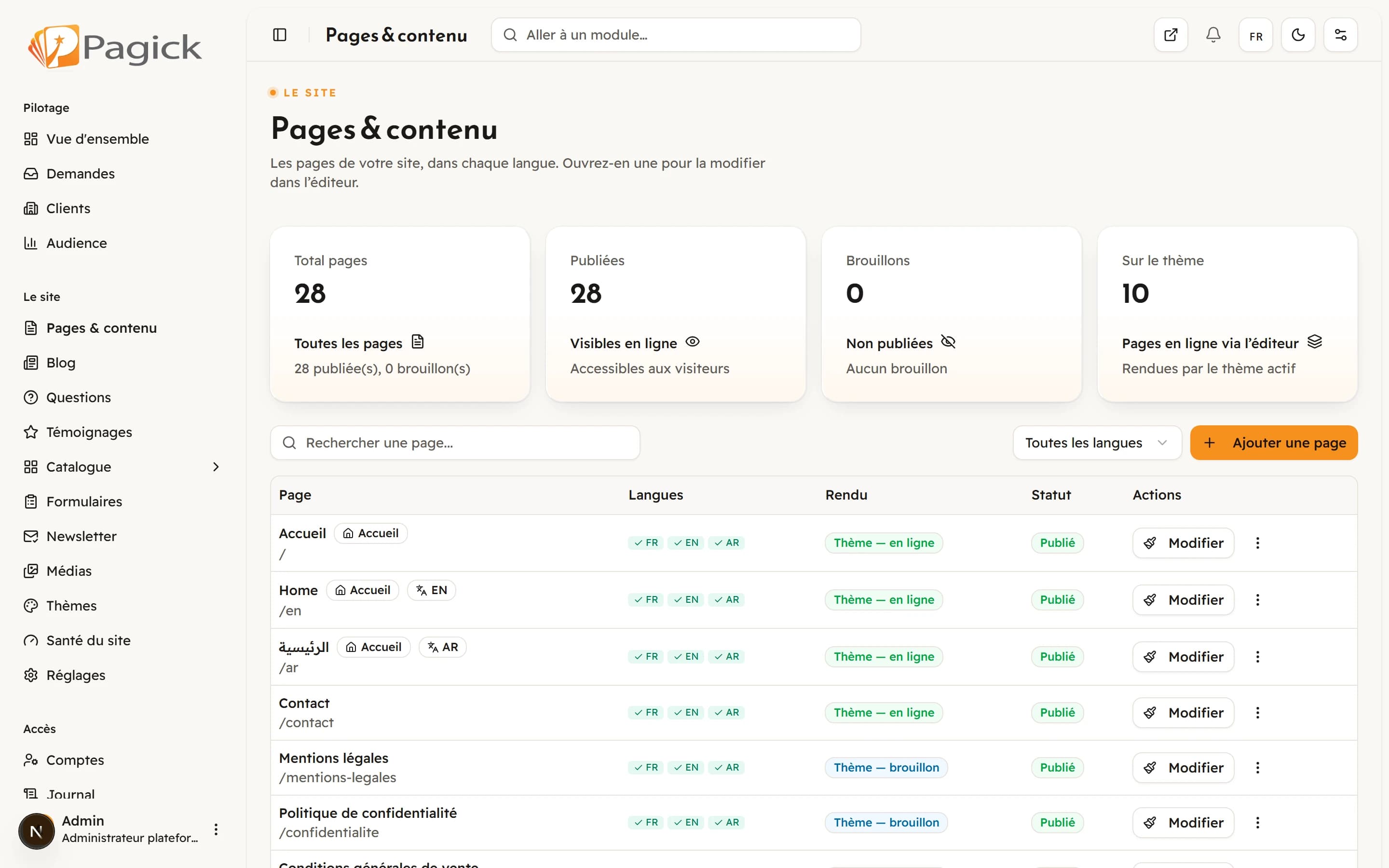
Edit where it is displayed
In the Pagick editor you do not fill in a form and see the result later. You click a text or an image, directly on the page, and change it. What you see while you write is what your visitors will see.
Ready-to-use sections
A page is built by stacking sections: introduction, services, steps, figures you fill in yourself, frequently asked questions, call to action, contact. You add, move or delete a section, and you stay in charge of the page’s story from start to end.
Change the style without touching the content
The look is carried by a theme. Switching themes changes colours, fonts, spacing and the composition of the sections, while your texts and images stay where you put them. So you can try several looks before you decide.
Signed themes
Every theme is a signed package whose integrity is checked before installation. It is a simple guarantee: a theme cannot be altered along the way without Pagick noticing. We describe the mechanism in the article on security.
The media library
Your images and files live in one library, reusable from page to page. You upload once, then choose the image where you need it, with its alternative text for accessibility and SEO.
A concrete example
A craftsman wants to announce an Eid promotion. He opens the home page, clicks the header section, replaces the title and image, adds a button to the contact page, then publishes. It all happens on the page itself, with no table of fields to fill in.
Key takeaways
Click to edit, compose with sections, switch themes without losing content, signed themes and a media library: the editor is made so a non-technical person stays in control of their site.